



Description
MAC Player app activation card – 12 months
The MAC Player app is one of the best apps currently available on smart TV stores
It stands out for amazingly smooth navigation between sections and packages.
It works on all the following devices:
LG TVs

Samsung TVs

All Android devices

All iOS devices

MAC Player is considered the best alternative to the well-known DUPLEX PLAY
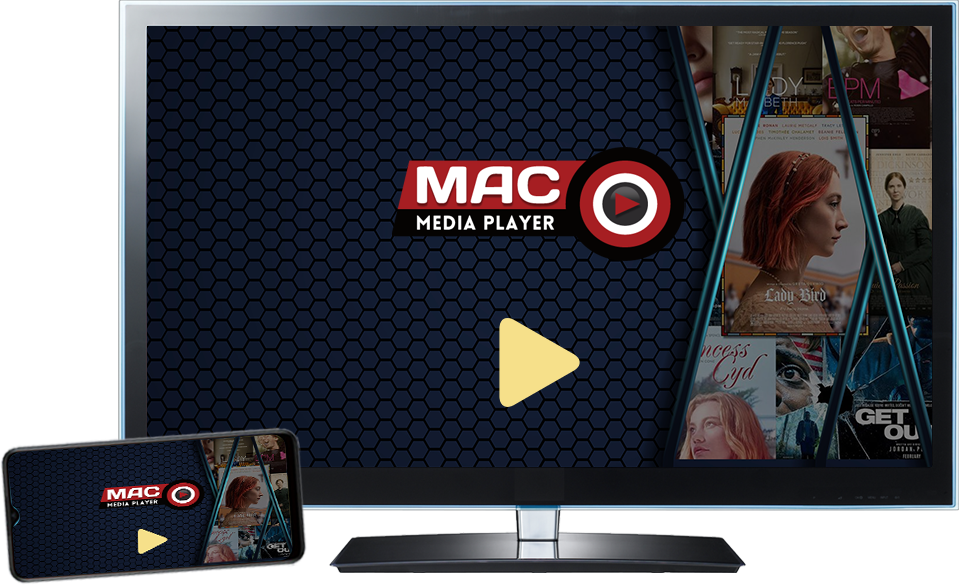
How to add a file to the mac player
1- First download the app on your TV
through the TV's app store, by typing the app's name and searching for it
2- After downloading the app, the login details for the app's website will appear
via the MAC address and the program's ID – the website link here
3- Note the IDs, go to the website and click add playlist
4- Add the IDs, after which you will be taken to a page where you add your subscription link
type a name for the playlist and press enter
5- Then go back to the TV and restart the app
and finally, congratulations, the channel list has appeared
OUR FEATURES









Reviews
There are no reviews yet.